
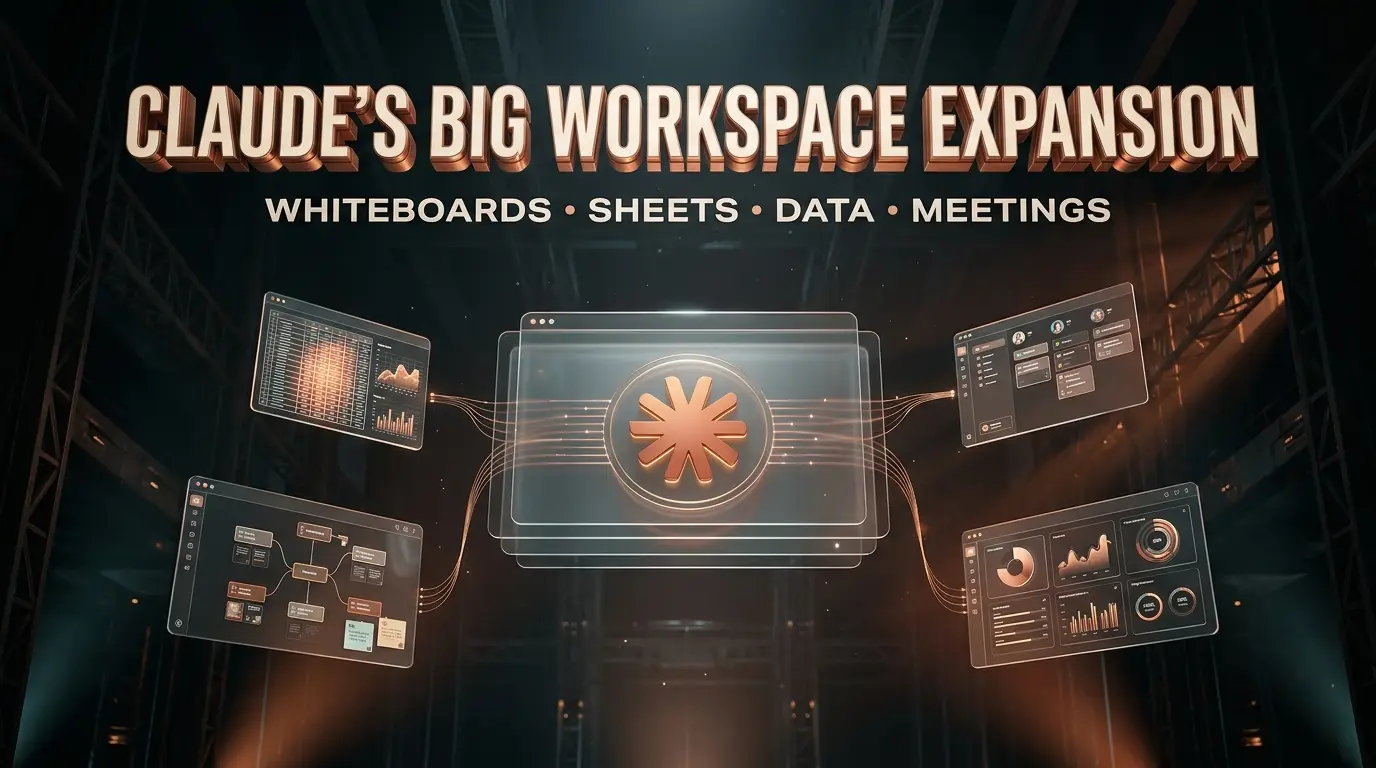
For years, the routine has been familiar. Ask an AI chatbot for an idea, copy the answer into a document, move the numbers into a spreadsheet, and open another application to turn everything into a plan.
Anthropic wants to change that routine.
On November 10, 2026, the company introduced Claude Whiteboards, Claude Sheets and Claude Data, expanding what people can build and edit directly inside Claude. It also announced upgraded interactive connectors that bring external applications into the workspace. Another product, Claude Meetings, is on the way.
The announcement sounds like a collection of productivity features. Look closer, though, and a more ambitious strategy emerges.
Anthropic is trying to make Claude a place where work happens, not simply a place where people ask questions about work.
That means brainstorming on a shared whiteboard, building a spreadsheet without starting from an empty grid, asking questions about company data, and working with connected applications without constantly moving between browser tabs.
Some of these capabilities are already available to eligible paid subscribers. Others remain in beta or have yet to reach general availability.
Here is what Anthropic actually launched, how the new Claude tools work, where they fall short, and why this could become an important development in workplace AI.
What Did Anthropic Announce on November 10, 2026?
Anthropic’s announcement covers five connected developments, although they are not all at the same stage.
| Product | What it does | Availability |
|---|---|---|
| Claude Whiteboards | Turns conversations and ideas into collaborative visual boards | Beta on eligible paid plans |
| Claude Sheets | Creates and edits spreadsheets with users | Beta on eligible paid plans |
| Claude Data | Builds dashboards and data stories from connected information | Generally available on eligible paid plans |
| Interactive Connectors | Opens supported external applications alongside Claude | Expanded capabilities, with availability varying by integration |
| Claude Meetings | Planned meeting assistance for notes and collaborative work | Announced as coming soon, with limited beta capabilities described separately |
The central products are part of Claude’s broader Artifacts experience, where users can create, edit and share working material alongside conversations.
This matters because the output no longer has to be a paragraph that someone manually transfers elsewhere.
A planning discussion can become a board. A financial question can become a spreadsheet. A question about business performance can become a dashboard.
Anthropic’s broader announcement about working with Claude presents these capabilities as connected parts of the same workspace.
The real question is whether that connection makes everyday work meaningfully easier.
Claude Whiteboards: Turning Conversations Into Visual Plans
Imagine a team preparing to launch a product.
The discussion begins with scattered ideas: who the customers are, what the launch should include, which tasks are urgent, and who needs to approve the final materials.
Normally, those ideas might end up in meeting notes, a project management application, several documents and a collection of messages.
Claude Whiteboards offers a different starting point.
Users can explain what they are planning and ask Claude to organize the discussion into a visual board. The board can include timelines, tasks, diagrams and grouped ideas that people can edit together.
Instead of treating the first AI response as the finished answer, the team can continue developing the same material.
What can Claude Whiteboards actually do?
According to Anthropic’s product announcement, Whiteboards can help teams:
- Turn brainstorming discussions into organized visual plans.
- Create timelines containing tasks, owners and dates.
- Group notes into themes and propose action items.
- Select a particular area of a board and ask Claude to work on it.
- Collaborate with other people on shared material.
- Convert board content into documents or presentations.
- Continue work in compatible partner tools, including Miro and Lucid.
The appeal is straightforward. People can begin with an incomplete idea and develop it visually without rebuilding the structure from scratch.
A practical example: Planning a marketing campaign
Consider a small marketing agency preparing a campaign for a new client.
The team could ask Claude:
“Create a launch whiteboard for a six week marketing campaign. Organize it into research, creative production, approvals, launch and performance review. Include task owners and dependencies.”
Claude could produce an initial structure that the team then adjusts.
The campaign manager could move tasks. The designer could add creative requirements. The client could review the proposed stages.
Claude could help summarize the decisions and turn them into a more formal plan.
That is a plausible workflow based on the announced capabilities, not a claim that TrendOutsider independently tested the feature.
Can Claude Whiteboards replace Miro?
Not necessarily.
Miro and other established visual collaboration platforms offer mature workflows, extensive integrations and specialized tools.
Claude Whiteboards has a different attraction: the ability to move directly from a natural language discussion into a visual artifact that Claude can help revise.
For a team already using Claude, that convenience could reduce some unnecessary switching between applications.
But teams that depend on specialized diagrams, established templates or complex enterprise collaboration should compare the actual features before replacing their existing software.
Whiteboards is still a beta product, and its functionality will continue to evolve.

Claude Sheets: Anthropic Takes on the Spreadsheet Workflow
Spreadsheets are everywhere in business.
They track marketing budgets, calculate sales forecasts, manage hiring plans, organize projects and record financial performance.
Yet building a useful spreadsheet often requires more than entering numbers. Someone needs to design the structure, write formulas, check calculations and make the result understandable.
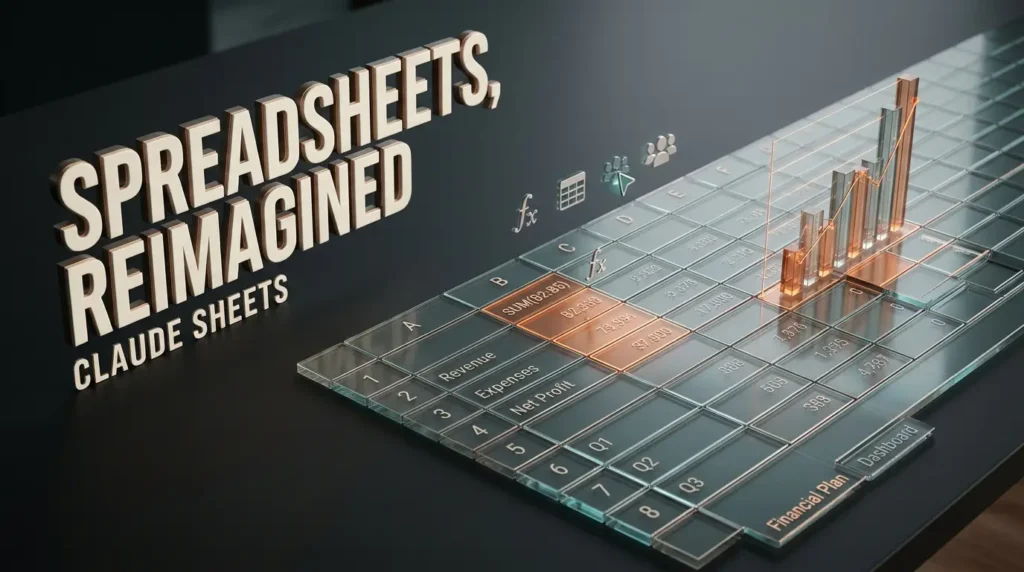
Claude Sheets is Anthropic’s attempt to make that process more conversational.
Instead of opening a blank workbook and manually creating every column, users can describe the spreadsheet they need.
Claude can generate the initial structure, write formulas, organize tabs and apply formatting.
The user can then edit the same sheet directly or ask Claude to make changes.
What Claude Sheets can do
Anthropic’s Claude Sheets documentation describes support for:
- Multiple spreadsheet tabs.
- Formulas that reference cells across tabs.
- Formatting and conditional formatting.
- Dropdown menus and checkboxes.
- Charts.
- Collaborative editing.
- Visible outlines around edits made by Claude.
- Importing and exporting spreadsheet data.
That last point is important. Users can inspect the formulas rather than relying entirely on an AI generated summary.
A spreadsheet is only useful when its calculations can be understood and checked.
Example: Building a startup budget
Suppose a founder needs a basic financial planning workbook.
The request could be:
“Build a twelve month startup budget with separate tabs for revenue, operating expenses, staffing and cash flow. Include monthly totals, formulas and a summary chart. Leave assumptions editable.”
Claude Sheets could create a starting workbook.
The founder would still need to enter accurate assumptions, inspect formulas and validate the outputs before using the model to make financial decisions.
But the initial construction could become easier for someone who understands the business problem without being an advanced spreadsheet user.
Claude Sheets vs Excel: Is it a replacement?
For now, the answer is no.
Claude Sheets is designed for relatively straightforward spreadsheet work. Its official documentation identifies important limitations, including a maximum of 100,000 cells and the absence of features such as pivot tables, macros and Power Query.
Those restrictions matter.
An individual creating a campaign tracker may find the available functionality sufficient. A financial analyst maintaining a complex corporate workbook may not.
| Capability | Claude Sheets | Microsoft Excel |
|---|---|---|
| Spreadsheet creation from a prompt | Central product feature | Available through relevant Copilot workflows |
| Standard formulas | Supported | Supported |
| Multiple tabs | Supported | Supported |
| Charts and formatting | Supported | Supported |
| Pivot tables | Not currently supported | Supported |
| Macros and advanced automation | Not currently supported | Supported |
| Power Query | Not currently supported | Supported |
| Complex enterprise models | Limited beta suitability | Established use case |
The comparison is about documented capabilities, not an independent benchmark of accuracy or speed.
Anthropic also offers separate ways to work with existing spreadsheets. In October 2026, it announced a Claude integration with Google Docs, Sheets and Slides.
That is distinct from Claude Sheets, the spreadsheet artifact built inside Claude.
For users who already have sophisticated Excel or Google Sheets workflows, the better option may be to use Claude alongside those tools rather than migrate everything into a new format.
Claude Data: From Dashboards to Business Intelligence
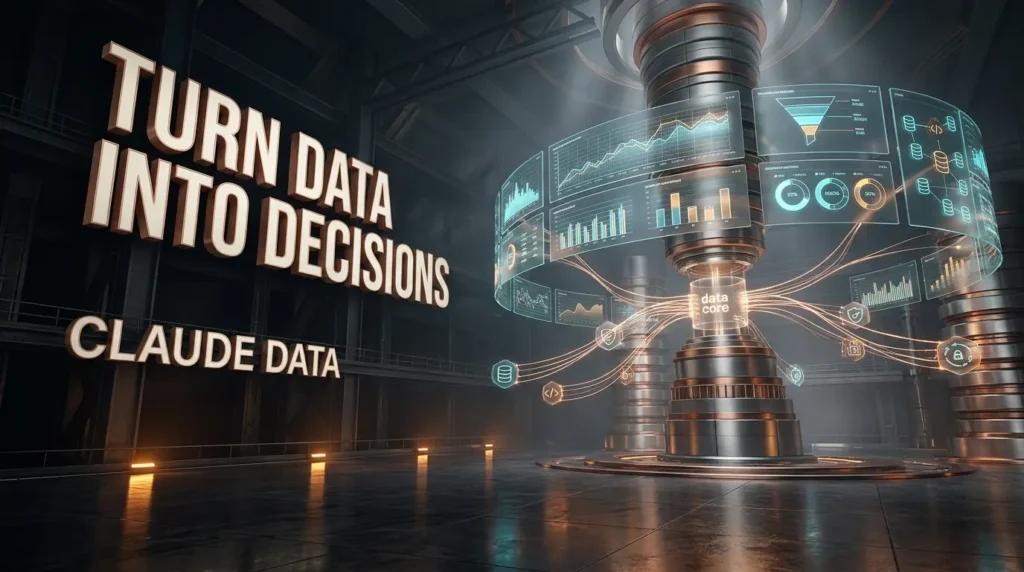
Claude Data may be the most consequential part of the announcement for companies with substantial information spread across different systems.
Unlike Whiteboards and Sheets, Claude Data is not entirely new.
Anthropic introduced Claude Dashboards in beta in October 2026. On November 10, the company renamed it Claude Data and made the core product generally available.
The change is more than a new label.
Anthropic is positioning the product around a broader range of analytical work, including dashboards, data stories, certified metrics and collaborative reporting.
How Claude Data works
A business connects a supported data source, such as a data warehouse or compatible application.
A user can then ask a question in ordinary language.
For example:
“Show monthly customer retention for the last six months, compare it with the previous period, and identify the segments with the largest changes.”
Claude can generate queries and create visual results based on the connected information.
According to Anthropic’s Claude Data guide, charts display their underlying queries and the time of their last refresh.
That transparency is valuable because business users need to know where numbers came from.
What are certified metrics?
One of the persistent problems in business reporting is disagreement over definitions.
A sales team might calculate active customers one way. Finance might use another definition. A third dashboard could apply a different date range.
The resulting numbers may all look credible while answering different questions.
Claude Data introduces certified queries so an organization’s data team can approve definitions that other users can reuse.
This capability remains in beta.
The goal is to reduce confusion by making approved calculations easier to identify.
Certification does not make inaccurate source data correct. It helps establish consistency around the queries an organization has reviewed.
What are data stories?
A dashboard shows information. A data story attempts to explain it.
Claude Data can help users organize metrics into a narrative and produce visual or narrated material for review.
A marketing team might use this to prepare a monthly performance presentation. An operations manager could summarize changes in service volume. A finance team could explain how expenses changed across departments.
The resulting analysis still needs human review, particularly when it includes business recommendations or sensitive financial conclusions.
Live sharing and data permissions
Claude Data also supports live sharing in beta.
Anthropic says colleagues can view current dashboard results even when they do not have direct access to the underlying connector, with restrictions on which queries they can run.
That makes access controls particularly important.
A dashboard can contain sensitive information even when the viewer cannot access the original database.
Organizations should confirm who can see shared results, which queries are approved, how data is retained and what administrative controls apply before connecting confidential systems.
Who benefits most from Claude Data?
The strongest potential use cases include:
- Marketing teams comparing campaign performance.
- Sales managers tracking pipeline changes.
- Operations teams monitoring service levels.
- Product teams investigating user behavior.
- Executives reviewing recurring business metrics.
For readers interested in the wider movement toward connected business processes, TrendOutsider’s guide to generative AI workflows explores how AI tools can fit into automation and reporting systems.
Claude Data represents one possible approach to that larger problem.
It does not remove the need for trustworthy data, well defined metrics or informed analysis.
Claude Meetings: The Next Piece of Anthropic’s Workplace Strategy
Meetings generate enormous amounts of information, but much of it disappears into notes, recordings and forgotten follow up tasks.
Anthropic wants Claude to participate more directly in that process.
In its November 10 announcement, the company described Claude Meetings as an upcoming capability that would let users add Claude to a call, capture notes and update documents during the conversation.
The idea is compelling.
A project meeting could result in updated planning documents rather than a separate transcript that someone must process later.
But there is an important distinction between the announced direction and what is broadly available today.
Is Claude Meetings available now?
Anthropic’s public launch announcement describes Claude Meetings as coming soon.
Its documentation also discusses limited meeting related beta functionality in specific organizational settings, including live whiteboard collaboration.
That does not mean every Claude subscriber can currently use a fully featured meeting assistant.
Availability, supported conferencing platforms and administrative settings should be checked before relying on the feature.
What could Claude Meetings change?
Consider a weekly product meeting.
The team reviews progress, identifies a delayed feature and agrees to change the release plan.
A capable meeting assistant could help record the decision, update the relevant planning material and organize the next actions.
The value would not simply be a transcript.
It would be the connection between a discussion and the work that follows.
That is the strategic opportunity Anthropic is pursuing, but its complete Meetings experience remains a developing product.
Users should also consider consent, recording rules, confidentiality and workplace policies before introducing AI assistance into meetings.

Interactive Connectors: Claude Wants Your Other Apps in the Same Workspace
Whiteboards, Sheets and Data are only part of the story.
Many teams already rely on specialized applications that they cannot simply abandon.
A designer may work in Adobe tools. A project manager may use Atlassian software. A sales team may depend on a CRM. A company may store documents in Box or Notion.
Anthropic’s interactive connector expansion is designed to make working with those applications more direct.
Instead of receiving only a text summary of information from an external service, users can interact with supported applications beside a Claude conversation or in a larger application view.
The company’s interactive connector announcement describes partner applications becoming part of the working interface.
Why this matters
The traditional chatbot model often ends with advice.
An AI assistant might explain how to update a project board, but the user still has to open the application and make the changes.
Interactive connectors are intended to reduce that separation.
Depending on the integration and permissions, a user may be able to work with the external application while Claude assists with relevant changes.
The actual capabilities depend on the connector. Access to one partner application does not imply that every application supports the same actions.
What is MCP?
Anthropic uses the Model Context Protocol, commonly called MCP, as part of its approach to connecting AI systems with external tools and information.
MCP provides a standardized way for compatible systems to expose tools and context to AI applications.
However, connecting an application does not automatically mean Claude can safely perform every action inside it.
Permissions, authentication, supported operations and administrative restrictions still determine what is possible.
For businesses exploring this wider category, our guide to AI productivity tools provides context on choosing software based on actual work requirements rather than feature announcements alone.

Claude vs Excel, Miro and Traditional Productivity Software
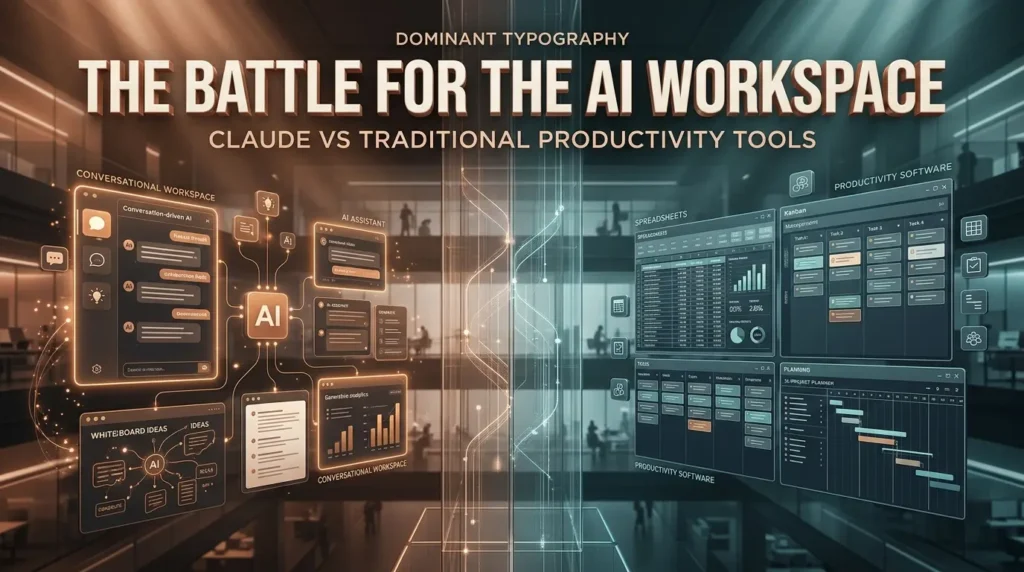
Anthropic’s announcement puts Claude into closer competition with established productivity platforms.
But competition does not automatically mean equivalence.
Excel remains a mature spreadsheet environment. Miro specializes in visual collaboration. Business intelligence platforms offer extensive reporting and governance capabilities. Project management applications provide established workflows for assignments, dependencies and approvals.
Claude is approaching the problem from another direction.
Its central interface is conversational. The user describes an objective, and Claude helps produce or revise a working artifact.
That difference may appeal to people who want to move quickly from a question to an editable result.
Where Claude could have an advantage
Claude may be especially attractive when a task begins with uncertainty.
A team does not yet know how to organize its project. A founder needs a first version of a budget. A manager wants to explore company data without writing every query manually.
In those situations, conversational creation can make the starting process less intimidating.
Where established tools still matter
Specialized applications retain advantages when users need advanced functions, deeply established processes or precise compatibility with existing systems.
A sophisticated financial workbook cannot be judged solely by how quickly an AI generates its first version.
A corporate dashboard must meet data governance requirements.
A project management platform must reliably support the processes a team already depends on.
The more consequential the work, the more important it becomes to inspect the underlying result rather than judge the quality of the AI’s explanation.
The likely near term outcome is coexistence.
Some users will create more work directly in Claude. Others will use Claude to assist with established applications through connectors and integrations.
Claude Whiteboards, Sheets and Data: Pricing and Availability
The new tools are not universally available on every Claude plan.
Anthropic’s Artifacts availability documentation lists Whiteboards, Sheets and Data for eligible paid subscribers.
| Claude plan | Whiteboards | Sheets | Data |
|---|---|---|---|
| Free | Not included | Not included | Not included |
| Pro | Beta | Beta | Available |
| Max | Beta | Beta | Available |
| Ultra | Beta | Beta | Available |
| Team | Beta | Beta | Available |
| Enterprise | Beta, admin controlled | Beta, admin controlled | Available, admin controlled |
This table describes product eligibility, not a guarantee that every account will display each feature immediately.
Team plans have the new templates enabled by default. Enterprise administrators have more control over rollout.
Anthropic states that Claude Data is scheduled to become enabled by default for Enterprise organizations on November 19, 2026, unless an administrator has already saved a different setting.
Whiteboards and Sheets are off by default for Enterprise organizations until an administrator enables them.
Are the new Claude tools free?
The specific Whiteboards, Sheets and Data templates require eligible paid plans.
Claude’s broader Artifacts capabilities remain available on the free tier, but that does not make these new paid templates free.
Anthropic has not established a separate universal price for each of these three tools in the announcement. Their availability is tied to the supported subscription plans.
Users should check current subscription pricing and account settings before purchasing access.
How to get started
- Sign in to Claude with an eligible paid account.
- Open the Artifacts area or begin a conversation.
- Choose the relevant template when it is available.
- Describe the board, spreadsheet or analysis you need.
- Review the result and make corrections.
- Share or export the work when appropriate.
Claude Data requires a supported data connection to work with company information.
Organizations should confirm administrative permissions before connecting sensitive services.
Security, Accuracy and the Limits of AI Generated Work
The convenience of these features should not obscure the risks.
A spreadsheet with attractive formatting can still contain a wrong formula.
A dashboard can present an inaccurate conclusion if the source data is incomplete.
A meeting summary can omit an important qualification.
A whiteboard can turn an uncertain suggestion into a task that appears more settled than it really is.
The more directly AI participates in operational work, the more important verification becomes.
Five questions teams should ask
Before adopting the new Claude workspace features, organizations should establish:
- Who can access the underlying data?
- Who can edit or share the resulting artifacts?
- Which calculations and conclusions require human approval?
- What happens when Claude produces an incorrect result?
- Can the work be exported, audited and recovered if necessary?
These are not reasons to avoid AI productivity software.
They are reasons to introduce it with clear responsibilities.
For example, a marketing team might use Claude Sheets to draft a campaign budget while requiring a manager to approve the final figures.
An analyst might use Claude Data to explore a trend while validating the SQL and source definitions before distributing the results.
A human resources team might use a Whiteboard to plan an onboarding process while keeping employee information within approved systems.
Our guide to AI tools for HR professionals explores similar considerations around selecting workplace AI tools and handling sensitive employee information.

Why Anthropic Is Building a Workspace Around Claude
The strategic significance of the November announcement is not that Anthropic created another spreadsheet or whiteboard.
It is that these products sit alongside an AI assistant that can help create, explain and modify the work.
That changes the relationship between the software and the user.
Traditional productivity applications generally begin with an interface. Users learn the tools and decide how to use them.
Claude increasingly begins with a request.
A person describes a desired outcome, and the software attempts to construct a useful starting point.
If that approach becomes reliable enough, the distinction between asking an AI for help and using an application could become less obvious.
The same conversation might help a team explore an idea, organize it into a plan, build a budget and explain the resulting data.
Anthropic explicitly describes carrying context between different artifact types as part of its strategy.
That is a meaningful product direction, although it does not prove that every transition is seamless in practice.
What this means for small businesses
Small teams may find the greatest immediate value in tasks that are important but do not justify a specialized software deployment.
A founder might need a simple budget.
A freelance consultant might need a project plan.
A marketing agency might need a campaign tracker and a monthly reporting dashboard.
If Claude can produce useful starting materials quickly, these teams could spend more time reviewing the work and less time constructing the initial format.
The potential benefit depends on accuracy, usage limits, the cost of subscriptions and the complexity of the task.
What this means for larger organizations
Enterprise adoption raises a different set of questions.
Large organizations often have existing software contracts, security policies, data warehouses and approval processes.
They are unlikely to replace those systems simply because an AI assistant introduces a new interface.
For them, the more important development may be Claude’s ability to work across approved applications and make company information easier to use.
That makes interactive connectors, access controls and certified metrics particularly relevant.
What Happens Next for Claude?
The next stage will be defined less by the number of features Anthropic announces and more by how reliably they work together.
Whiteboards and Sheets need to mature beyond their initial beta capabilities.
Claude Data must demonstrate that conversational analytics can coexist with disciplined data governance.
Interactive connectors need consistent, understandable permissions.
Claude Meetings needs a clearly documented rollout and reliable integration with real workplace practices.
There is also the question of trust.
People will tolerate a rough first draft of a brainstorming board. They will be far less forgiving of an incorrect financial model or a misleading business dashboard.
Anthropic’s opportunity is substantial, but so is the responsibility that comes with moving AI closer to everyday business decisions.

Final Verdict: Claude Is Becoming More Than a Chatbot
Anthropic’s November 10 announcement marks a clear expansion of Claude’s role.
Whiteboards brings AI into visual planning. Sheets introduces collaborative spreadsheet creation. Data extends the platform into connected analytics. Interactive connectors bring external applications closer to the conversation. Meetings points toward a future in which discussions and working documents are more closely connected.
Not all of this is finished.
Two of the headline products remain in beta. Some advanced Data features are still being tested. Meetings is not broadly available as a complete product, and the spreadsheet functionality does not yet match established professional software.
But the direction is unmistakable.
Anthropic is building Claude around a larger idea: that people should be able to move from thinking about work to producing and improving it without constantly rebuilding context across different tools.
Whether that vision becomes a practical alternative to established productivity platforms will depend on what happens after the announcement.
For now, the most sensible approach is to test the new tools on manageable tasks, verify their output and keep established workflows where they still serve a clear purpose.
Frequently Asked Questions
What is Claude Whiteboards?
Claude Whiteboards is a beta collaborative visual workspace inside Claude. It helps users organize ideas, create planning boards, build timelines and collaborate with others while using Claude to develop the content.
What is Claude Sheets?
Claude Sheets is a spreadsheet artifact inside Claude. Users can ask Claude to create spreadsheets, write formulas, organize multiple tabs and edit cells collaboratively.
Is Claude Sheets better than Excel?
They serve overlapping but different needs. Claude Sheets emphasizes conversational creation and collaborative editing. Excel offers more mature advanced spreadsheet functionality, including pivot tables, macros and Power Query.
Is Claude Data the same as Claude Dashboards?
Claude Data is the renamed and expanded version of Claude Dashboards. The core product became generally available on November 10, 2026, while certified queries and live sharing remain in beta.
Is Claude Meetings available to everyone?
No. Anthropic announced Claude Meetings as coming soon. Some related meeting functionality is described in limited beta documentation, but that should not be confused with broad availability.
Can I use Claude Whiteboards and Sheets for free?
The dedicated Whiteboards and Sheets templates are currently listed for eligible paid Claude plans. Basic Claude Artifacts have broader availability, including the free plan.
Can Claude Sheets work with Excel files?
Claude Sheets supports spreadsheet import and export workflows, including common formats such as XLSX and CSV. Users who need advanced Excel capabilities may prefer to continue working in Excel with appropriate Claude integrations.
Can Claude Data connect to company databases?
Yes, through supported connectors. Organizations should review permissions, data access and the queries generated by Claude before using the resulting dashboards for consequential decisions.
Does Claude replace Miro, Notion or Microsoft Office?
Not comprehensively. Claude now overlaps with parts of those workflows, but the new tools have limitations and do not reproduce every feature of established productivity platforms.
What is the most important part of Anthropic’s announcement?
The broader shift toward a connected AI workspace. Anthropic wants Claude to help users create and modify working documents, visual boards, spreadsheets and data reports rather than stopping at conversational answers.
Editorial note: This article is based on Anthropic’s November 10, 2026 announcements and official product documentation. Product availability and beta features may change. TrendOutsider has not independently benchmarked these tools or verified claims of time savings.







Leave a Reply