
You ask Claude Code to build a feature. It finishes the first version, but now you want Codex to check the implementation.
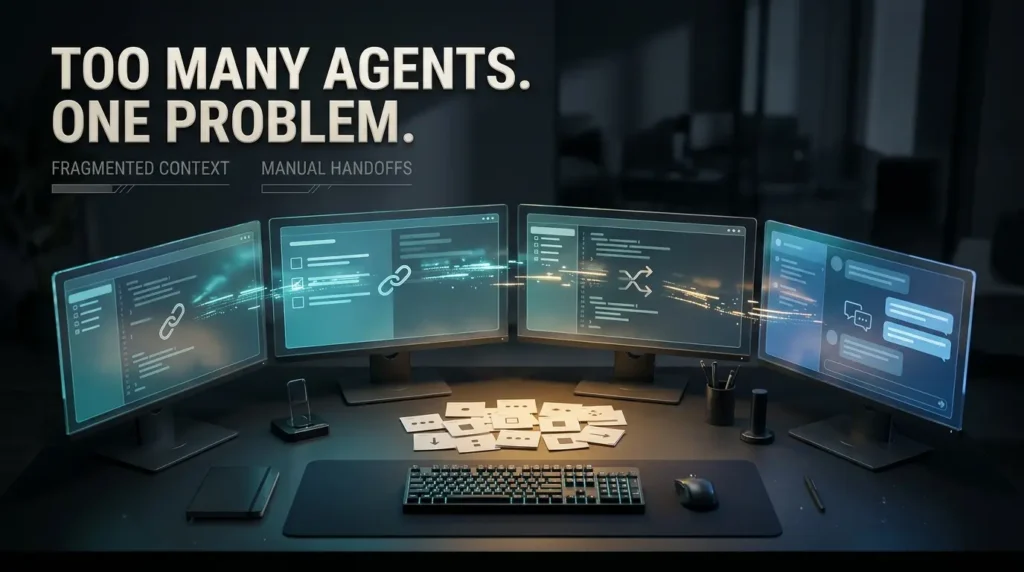
So you open another tool, explain the project again, point it toward the right files and ask it to review the code. Then you bring the feedback back to Claude, decide which changes to accept and run the tests yourself.
By the end, your AI assistants may have written plenty of code. You have spent much of the afternoon managing the conversation between them.
That coordination problem is exactly what AutoSwarm wants to address.
Developed by researchers associated with the University of Hong Kong, AutoSwarm is an open source framework that connects existing AI agents and helps them collaborate on shared work.
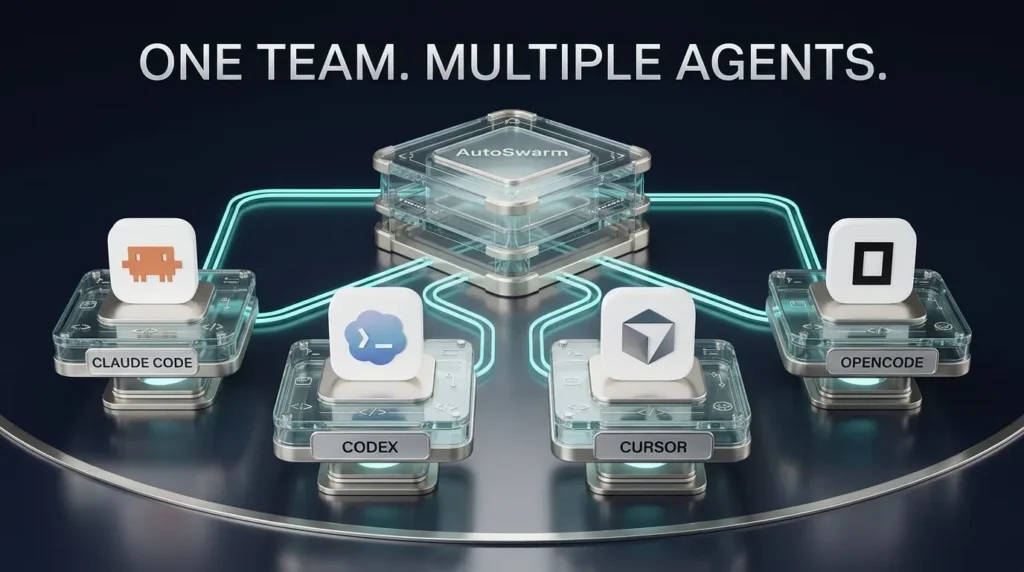
Its current version supports tools including Claude Code, OpenAI Codex, Cursor, OpenCode and GitHub Copilot CLI. It also offers a desktop workspace where users can manage conversations, see delegated work and respond to approval requests.
The appeal is easy to understand. Instead of manually moving tasks and context between coding assistants, you give one agent the main objective and allow it to coordinate other available agents where useful.
But multiple agents are not automatically better than one.
Collaboration introduces extra model calls, dependency management, conflicting changes and new security considerations. AutoSwarm can help organize that complexity, but it cannot make those tradeoffs disappear.
Here is what the official project actually offers, how to install it, how the desktop app works and what its research does and does not prove.
What Is AutoSwarm AI?
AutoSwarm is a software framework for coordinating AI agents that may have different capabilities, tools, context and ways of working.
Instead of asking developers to abandon their existing coding assistants, its current design attempts to connect them.
For example, one agent might understand a project’s existing structure, another might be configured for a particular implementation task and a third might help examine test failures.
AutoSwarm provides a way for a main agent to delegate work, exchange relevant context and collect results.
The official HKUDS AutoSwarm repository describes this approach as bringing separate agent tools into a coordinated workspace.
The software is not itself a new foundation language model.
It does not replace the underlying models supplied through Claude Code, Codex or another provider. Instead, it operates around them.
That distinction also matters for cost. Installing AutoSwarm does not automatically unlock paid AI model services.
AutoSwarm at a glance
| Feature | What it means |
|---|---|
| Main purpose | Coordinate existing AI agents |
| Project | HKUDS/AutoSwarm |
| Source license | MIT |
| Current integration | Skill and command line interface |
| Desktop application | AutoSwarm Desk |
| Supported desktop platforms | Windows and macOS |
| CLI/plugin platforms | Windows, macOS and Linux |
| Required Python for CLI/plugin installation | Python 3.10 or newer |
| Examples of supported agents | Claude Code, Codex, Cursor, OpenCode, Copilot CLI |
| Agent authentication | Uses separately configured agent environments |
| Human approvals | Supported and important for sensitive operations |
The repository has attracted thousands of GitHub stars, indicating developer interest.
That is not equivalent to verified installations, active usage or evidence that its methods have been adopted successfully in production.
Why Do Developers Need Multiple AI Coding Agents?
There is a difference between having several AI tools and having them work together.
A developer might use Claude Code for interactive development, Codex for a separate implementation or review task, and another tool for navigating an unfamiliar codebase.
Each assistant has its own context, permissions, model access and interaction history.
Even when the tools operate on the same repository, they do not necessarily know what the others have discussed or decided.
The developer becomes the coordinator.
That means repeating requirements, tracking partial changes, handling conflicting recommendations and combining outputs.
The challenge grows when a project includes several tasks that depend on each other.
Consider a web application that needs a new user registration feature.
The work might involve database changes, API validation, frontend forms, tests and documentation.
Some parts can be worked on independently. Others cannot be completed safely until earlier steps are ready.
A useful coordination system must understand those dependencies, not simply launch several agents at once.
What AutoSwarm tries to change
The current AutoSwarm design gives the main agent responsibility for deciding how to delegate work.
The main agent can choose available collaborators, issue tasks and inspect their results.
That makes delegation part of the existing conversation rather than forcing the user to manage separate windows manually.
The broader idea fits a trend we have covered at TrendOutsider: AI agents are moving beyond single responses into coordinated workflows.
AutoSwarm applies that idea directly to agents developers may already use.
How AutoSwarm Works
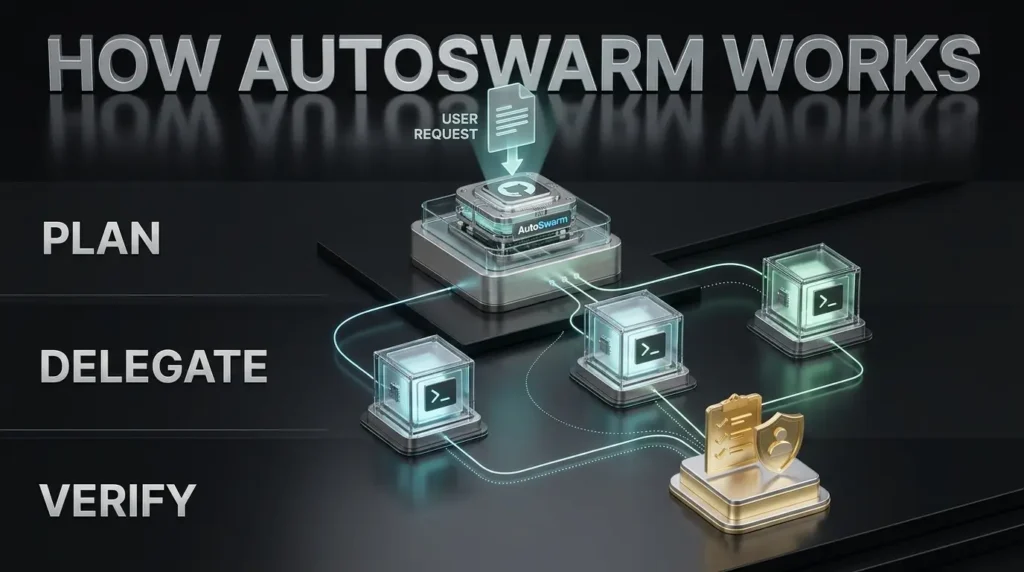
AutoSwarm’s architecture is best understood through four responsibilities.
1. Choose the main agent
A user starts a conversation in a supported host, such as Claude Code or Codex.
That agent owns the overall objective and remains responsible for coordinating its delegated work.
The main agent is not automatically the same for every task. The user can select an environment that fits the project and the available configuration.
2. Select collaborators
The main agent can inspect which other supported agents are available.
Not every agent needs to participate.
A project might use Claude Code and Codex, for example, without involving all the other supported tools.
The coordinator should select collaborators based on the work that needs doing and the capabilities actually configured on that computer.
3. Delegate tasks and manage dependencies
The main agent sends specific work to collaborators through AutoSwarm.
The system records task information, supports progress tracking and returns results for review.
If one task depends on another, the coordinator should account for that relationship before proceeding.
Some work may be parallelized.
Other work must remain sequential, particularly when one change establishes the interfaces or database structures another change requires.
4. Verify and integrate the results
A worker finishing its task does not prove that the entire project is complete.
The main agent still needs to inspect the output, reconcile changes, run the appropriate tests and decide whether the original goal has been achieved.
Human approval may also be required before running commands, accessing particular resources or making consequential modifications.
That is a central point of the project’s design.
AutoSwarm is a coordination system, not a guarantee of error free autonomous development.
A practical example
Imagine asking a coordinated group of agents to improve a website.
The main agent could inspect the request and divide it into a frontend change, a documentation update and a test review.
One collaborator might work on interface code while another reviews documentation.
When the implementation is ready, the coordinator can request verification.
The result would still need to be inspected before deployment.
This is an illustrative workflow, not a benchmark conducted by TrendOutsider or proof that every task can be safely parallelized.
Which AI Agents Does AutoSwarm Support?
The active project documents support for several established and emerging agent environments.
| Agent | Role in the ecosystem |
|---|---|
| Claude Code | Interactive coding and development agent |
| OpenAI Codex | Coding and software task execution |
| Cursor | AI assisted development environment |
| OpenCode | Open source coding agent |
| GitHub Copilot CLI | GitHub related coding assistant |
| Meta Muse Code | Additional compatible agent |
| CodeBuddy | Additional supported environment |
| Hermes | Agent environment |
| Nanobot | Lightweight agent framework |
| DeepSeek Harness | Agent execution environment |
| Grok Build | Supported agent environment |
| Kimi Code | Supported agent environment |
The AutoSwarm Desk documentation lists these environments and describes the app’s ability to show their available models and permission options.
A tool appearing on the support list does not mean it is installed on your computer.
It also does not establish that your account has access to every model or feature associated with that tool.
You may need a separately installed command line program, an active provider login or an API configuration.
Can Claude Code and Codex work together?
Yes, that is a documented use case for the current AutoSwarm integration, assuming both agents are installed, compatible and correctly configured.
For example, you can use Claude Code as the main host and connect Codex as a collaborator.
The reverse is also possible when the relevant host integration is set up.
The exact delegation behavior depends on the agent instructions, available tools, configured permissions and the task itself.
Can AutoSwarm connect every AI chatbot?
No.
It supports particular agent environments through documented integrations.
A normal browser tab running a chatbot does not automatically become a supported AutoSwarm worker.
Integration requires a compatible runtime or command line route and appropriate authorization.
AutoSwarm Installation: How to Get Started
The project provides two main approaches.
You can install AutoSwarm Desk if you want a desktop interface, or use the current command line integration if you prefer working directly inside an existing agent.
Both are documented in the current repository.
The instructions below come from the project’s active documentation. They are not the result of an installation independently performed by TrendOutsider.
Option 1: Install AutoSwarm Desk on Windows
For a Windows desktop workflow, begin with the project’s official GitHub Releases page.
Look for the latest published AutoSwarm Desk release.
The current documentation identifies a Windows installer named:
AutoSwarm-Desk-Setup.exe
Download it from the project’s release assets.
The installer includes a Python runtime and installs for the current Windows user.
You do not need to separately install Python just to launch the packaged Desk application.
However, the coding agents you want AutoSwarm to coordinate still need to be installed and authenticated.
A Windows security consideration
The project says its Windows installer is not code signed.
That can trigger a Microsoft SmartScreen warning.
Do not automatically dismiss security warnings merely because a project’s documentation says they may appear.
Verify that the installer came from the official repository, inspect the published release details and decide whether you trust the software before running it.
For additional caution, test unfamiliar agent orchestration software in an isolated development environment rather than on a system containing sensitive client credentials.
Option 2: Install AutoSwarm Desk on macOS
The release documentation provides separate downloads for Apple silicon and Intel Macs.
Use the corresponding DMG file from the official GitHub release page.
The desktop package includes Python, but compatible agent command line tools remain separate requirements.
The application is not signed with an Apple Developer ID.
macOS may therefore block it initially.
Review the publisher, source repository and release before choosing to override the operating system’s warning.
The documentation also notes that the macOS build does not automatically install updates in the same way as its Windows version.
Does AutoSwarm Desk run on Linux?
The current documentation describes packaged desktop versions for Windows and macOS.
Linux users can use the CLI and plugin integration.
Do not assume there is an official Linux desktop installer unless the release assets confirm one.
How to Install AutoSwarm Inside Claude Code or Codex
Developers comfortable with a terminal can install the active project directly.
The project requires Python 3.10 or newer for the plugin path.
Its documentation recommends using uv to manage the application installation.
Step 1: Check your existing tools
Before installing, verify that the computer has Git, an appropriate Python environment and the AI agent you intend to use.
Also confirm that the required agent is already authenticated.
For example, installing the AutoSwarm integration into Claude Code does not automatically create a Codex account or install the Codex CLI.
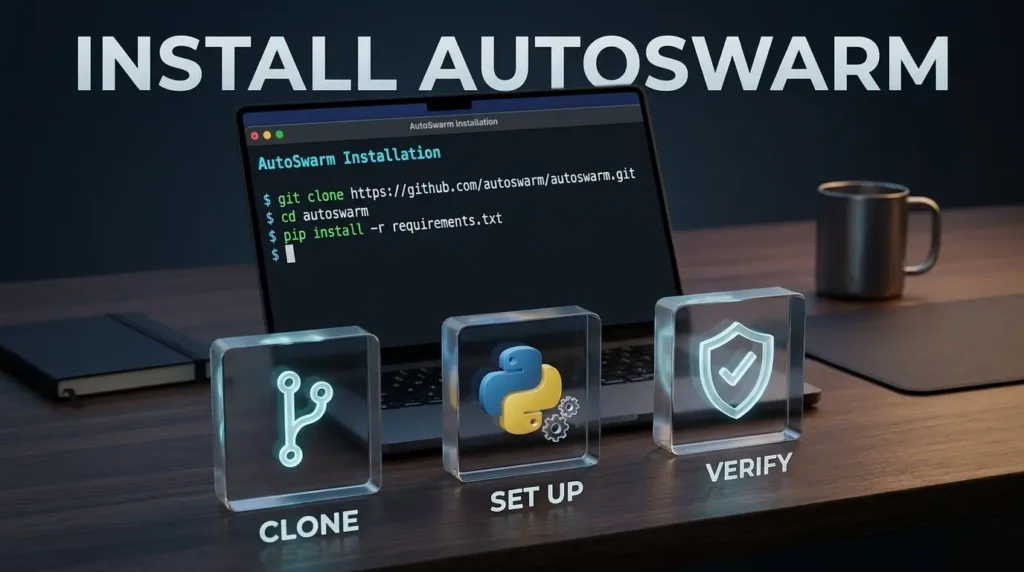
Step 2: Clone the official repository
Open a terminal and run:
git clone https://github.com/HKUDS/AutoSwarm.git
cd AutoSwarm
This downloads the current source repository.
Avoid following installation commands copied from the archived autoswarm-v1.0.0 directory.
Step 3: Install the current package
With uv available, the official documentation shows:
uv tool install --force .This installs AutoSwarm from the repository checkout.
The dot refers to the current directory.
It should be run from the cloned repository root containing the current package configuration.
Step 4: Configure your main host
For Claude Code, the host identifier is:
autoswarm setup --host claude-codeFor Codex, use:
autoswarm setup --host codexSelect the host you actually intend to use.
Setup installs the integration and supplies further instructions about where the host’s installed Skill is located.
Read those instructions, including any steps to reload the host or approve the project as trusted.
Step 5: Verify the connected agents
AutoSwarm provides a doctor command to inspect an agent’s connection.
The documented example for Codex is:
autoswarm doctor --agent codex --probe --cwd /path/to/projectReplace /path/to/project with the actual path to a suitable local project.
On Windows, the path may look different.
A probe can initiate real model interactions and may incur usage or API costs.
The project documentation explains that a successful verification is more meaningful than simply finding an executable on the system.
Step 6: Start with a small task
After setup, choose a harmless project that contains no customer secrets or production credentials.
A good first task is asking the coordinator to inspect a small application, identify a documentation inconsistency and propose a correction.
Do not begin by authorizing multiple agents to deploy production infrastructure or rewrite critical application code.
What if you do not have uv?
The project documents an alternative installation using a dedicated Python 3.10 or newer environment:
python -m pip install .The relevant Python interpreter must remain available afterward.
When using that path, launch the setup module according to the project’s instructions for the chosen environment.
Be careful not to mix installations made through different interpreters.
AutoSwarm Desk: One Workspace for Multiple Agents
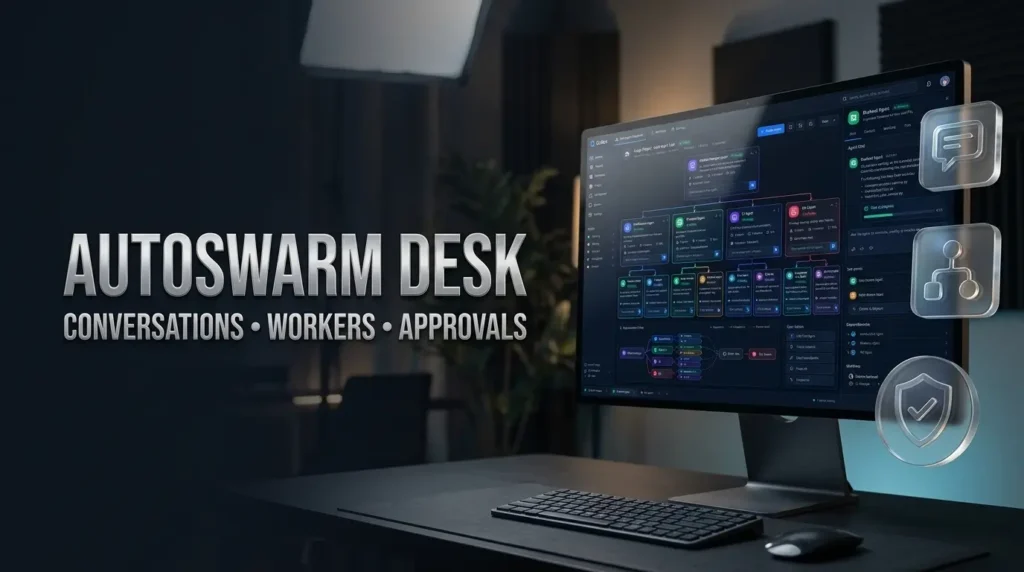
AutoSwarm Desk provides a more visual way to coordinate the supported agents.
Its Windows and macOS versions allow users to start conversations, select a main agent, monitor delegated work and respond to pending questions.
The interface also includes a private assistant experience.
According to the official desktop documentation, users can switch between agent conversations and view workers associated with the main conversation.
This is especially relevant for developers who dislike managing several separate terminal windows.
Main conversations and workers
A main conversation represents the overall task.
Workers appear alongside the conversation that created them.
Users can inspect what a worker is doing and view requests that require attention.
The app can also show when a conversation finishes or fails.
Approvals and permissions
Desk does not automatically grant every requested permission.
Its documentation says approval requests are surfaced to the user when necessary.
Some agent environments expose their own permission levels. Others retain their existing native settings.
That means a coordinated session’s effective authority still depends on the underlying agents.
Agent sessions and context
Desk uses existing agent session information where supported.
The project describes differences in how histories are obtained from Claude Code, Codex, Cursor and other agents.
The important point is that “shared context” should not be interpreted as a guarantee that every private conversation or account becomes automatically available to every agent.
Access depends on implementation, permissions, native session data and configured connections.
Notifications and triggers
AutoSwarm Desk supports notifications and configurable trigger rules.
For example, a user can configure a notification when an agent needs approval or when a conversation fails.
This helps reduce the need to keep watching the interface.
It does not mean the application operates as an unrestricted autonomous service that can safely approve everything by itself.
A Practical Claude Code and Codex Collaboration Example
Imagine a developer maintaining a small web application with a failing test and outdated documentation.
The objective is to fix the failure and update the explanation without introducing unrelated changes.
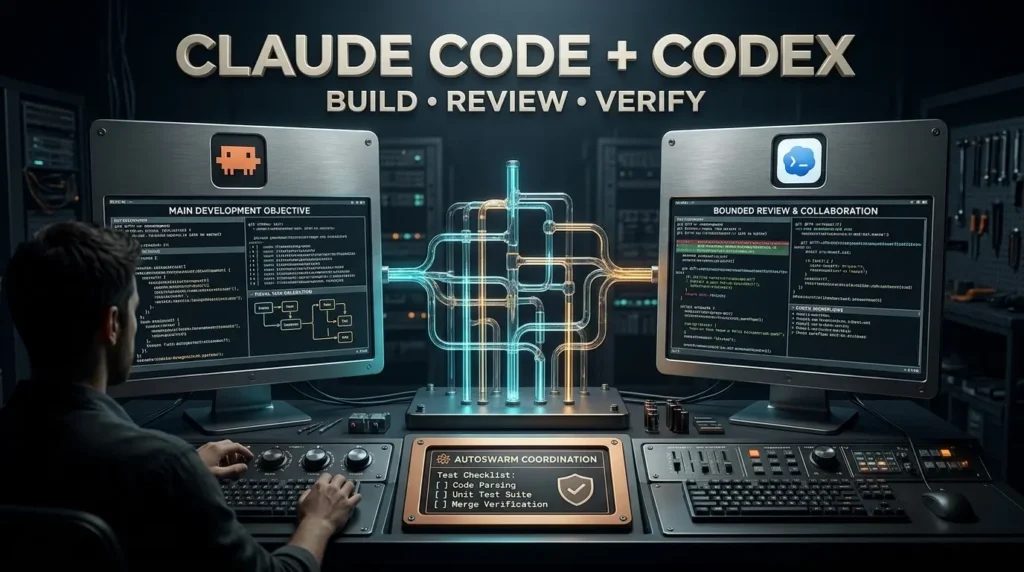
The developer chooses Claude Code as the main agent, with Codex available as a collaborator.
The main agent first inspects the repository and identifies the likely source of the failure.
It then delegates a bounded task to Codex, such as examining the failing test and proposing a correction.
Claude Code can review the returned changes, reconcile any differences and run the tests again.
If the test still fails, the coordinator can investigate further.
The developer remains responsible for reviewing the final result.
This workflow illustrates the kind of coordination AutoSwarm is designed to support. It is not a report of a completed test.
Why clear task boundaries matter
Suppose two agents are both told to rewrite the same configuration file.
They could produce incompatible versions.
Even if each change appears reasonable in isolation, combining them may break the application.
A better approach assigns distinct responsibilities and specifies which files or behaviors each agent may change.
One agent might implement a feature while another independently reviews an interface contract.
The review happens after the implementation is available.
A sensible first experiment
Use a small repository with automated tests.
Ask the main agent to explain its intended delegation plan before beginning.
Keep permissions restricted and require confirmation before destructive commands.
Record the initial test result, changes made and final test result.
If the system produces an error, investigate whether the problem came from the model, the orchestration layer, a missing permission or the original code.
That distinction matters when evaluating whether the software is useful.
What Does the AutoSwarm Research Paper Actually Prove?
The research foundation is an important reason to take the project seriously.
The paper AutoSwarm: Automating Agent Swarms was submitted in October 2026.
Its authors identify two difficult problems in multi agent systems.
First, several agents do not automatically contribute complementary work.
Second, dependencies between agents can create failures when one agent’s incomplete or mistaken output is accepted by another.
Their proposed approach focuses on defining responsibilities, acceptance conditions and execution dependencies.
The system is designed to coordinate local progress through shared state and feedback.
What was tested?
The paper discusses evaluations across several task categories, including extended programming tasks, interactive planning and financial analysis.
Its reported results favor AutoSwarm over selected single agent and multi agent baselines in those conditions.
That is encouraging research evidence.
But it has boundaries.
The evaluations use particular tasks, models, configurations and measurement methods.
They do not establish that AutoSwarm will outperform every individual agent on every coding project.
They also do not prove that the current desktop application saves a particular percentage of time or money for ordinary users.
The research paper and the actively maintained desktop software should not be treated as interchangeable benchmark targets.
Does adding more agents always improve performance?
No.
Parallel work can help when tasks are genuinely independent and collaborators have useful complementary capabilities.
It can make things worse when tasks overlap, context is lost, integration is difficult or the agents spend more time coordinating than completing the original assignment.
The most meaningful comparison is against a sensible single agent baseline, not against doing the entire task manually.
For example, if a single capable agent can fix a small bug reliably, coordinating three agents may be unnecessary.
For a larger task with separate research, implementation and verification stages, collaboration may be more valuable.
The answer depends on the workflow.
Is AutoSwarm Free? What Does It Really Cost?
The AutoSwarm source code is available under the MIT license.
That permits many forms of use, modification and distribution, subject to the license terms.
But free source code is not the same as free AI execution.
There are several possible cost categories.
| Cost | What to consider |
|---|---|
| AutoSwarm source | MIT licensed |
| Claude Code | Relevant account or API usage arrangements |
| Codex | Relevant account or API usage arrangements |
| Other agents | Their own licensing and provider terms |
| Model calls | Possible extra usage from delegation, review and retries |
| Infrastructure | Local computer or any chosen hosted environment |
| Developer time | Setup, troubleshooting, approvals and integration |
| Maintenance | Updates and changes to agent compatibility |
A coordinated task can use more model interactions than a task completed by one assistant.
For example, the main agent may plan the work, a collaborator may perform it and another call may review the result.
That can improve quality in some circumstances, but it also adds computational work.
You should evaluate both the value of the outcome and the total cost of reaching it.
For a wider framework on measuring the business value of AI adoption, see TrendOutsider’s AI business solutions and implementation guide.
Is AutoSwarm Safe for Real Projects?
AutoSwarm’s coordination layer can launch work through other agent environments.
Those environments may have access to local files, development tools, repositories, credentials and other services.
That makes permissions an important part of the setup.
Protect sensitive files
Do not expose secrets unnecessarily.
A development repository may contain environment variables, authentication credentials or configuration files that should never be included in model prompts or logs.
Use separate development environments and limited credentials where possible.
Review shell commands
An agent may ask to execute commands.
Those commands can install dependencies, modify files or interact with external systems.
Read unexpected commands before approving them.
A request that appears to come from the main agent is not automatically safe simply because another agent generated it.
Treat repository text as untrusted
A README, issue or source comment can contain instructions directed at an AI assistant.
Such material should be treated as project data, not as authority to override security boundaries.
This is especially important when agents work with unfamiliar repositories or third party code.
Keep deployment separate from experimentation
A useful early test should not require production database credentials or unrestricted access to customer infrastructure.
Use a disposable test repository and a staging environment.
Before merging or deploying code, run appropriate tests and review the actual changes.
Understand the desktop application’s signing status
The project documents unsigned installers on Windows and macOS.
That is not proof that the software is malicious, but it does mean users should verify the download source and assess the risk carefully.
Avoid bypassing operating system warnings without understanding what you are running.

AutoSwarm vs CrewAI, LangGraph and Other Agent Frameworks
AutoSwarm belongs to a larger ecosystem of software designed to coordinate AI agents.
But these tools do not all approach the problem in the same way.
AutoSwarm
AutoSwarm’s current emphasis is connecting existing interactive agents, preserving relevant context and coordinating work through their available command line environments.
Its appeal is strongest when a developer already uses several compatible agents.
CrewAI
CrewAI provides a framework for building agent teams, roles and workflows in software.
A developer can define agents and organize them into structured task execution systems.
That makes CrewAI relevant to teams that want to build their own multi agent applications.
The official CrewAI documentation provides its current architecture and setup requirements.
LangGraph
LangGraph is designed around explicit stateful workflows, where developers can define steps, transitions and execution behavior.
It is useful when an application needs detailed control over workflow state and execution paths.
That is a different starting point from connecting several existing coding assistants.
AutoGen
Microsoft’s AutoGen has been an influential multi agent framework.
However, the official GitHub repository is now archived and marked as no longer maintained.
It remains relevant historically, but readers should not treat it as an actively supported alternative without checking the project’s current status.
Comparison summary
| Tool | Primary orientation | Typical audience |
|---|---|---|
| AutoSwarm | Coordinate existing agent tools | Developers using multiple agents |
| CrewAI | Build structured agent teams and flows | Application developers |
| LangGraph | Define stateful agent workflows | Developers needing explicit execution control |
| AutoGen | Historical multi agent framework | Researchers and developers studying earlier approaches |
The comparison is about design choices, not a performance ranking.
A developer who only wants to coordinate Claude Code and Codex has different requirements from a team building a custom customer service agent platform.
TrendOutsider also examined a related approach in its coverage of DeepSeek Super Agent’s experimental coding workflow.
The projects address overlapping coordination problems, but their architectures and maturity differ.
Who Should Try AutoSwarm?
AutoSwarm is worth investigating if you already use several supported AI agents and repeatedly move information between them.
It may also appeal to developers who want a graphical view of delegated work and approval requests.
For people using only one coding assistant, the immediate benefit may be smaller.
The software introduces another layer to install, configure and maintain.
A newcomer should first be comfortable with basic repository management, terminal tools and reviewing AI generated code.
For production organizations, the important questions include permission controls, repeatable testing, cost visibility, auditability and how the system behaves when workers fail.
No open source orchestration tool should be treated as a substitute for those engineering responsibilities.
Frequently Asked Questions
What is AutoSwarm AI?
AutoSwarm is an open source framework that coordinates existing AI agents, helping them delegate tasks, exchange relevant context and combine results.
Can AutoSwarm connect Claude Code and Codex?
Yes. Both are documented as supported agents, provided their local installations and configurations are compatible.
Is AutoSwarm free?
Its source code is MIT licensed. Connected model services, infrastructure and usage may involve separate costs.
Is AutoSwarm a new AI model?
No. It is an orchestration system rather than a foundation language model.
Does AutoSwarm have a desktop app?
Yes. AutoSwarm Desk is documented for Windows and macOS.
Does it work on Linux?
The active CLI and plugin approach supports Linux. The documented packaged desktop application targets Windows and macOS.
Does it require Python?
The CLI/plugin installation requires Python 3.10 or newer. Packaged desktop installers include Python.
Can AutoSwarm use Cursor?
Cursor appears among the supported agent environments. The relevant local integration must be available and correctly configured.
Does AutoSwarm automatically share all my private conversations?
No such universal behavior should be assumed. Session access and shared context depend on the installed integrations, data scope and permissions.
Does AutoSwarm make coding faster?
It may reduce coordination work in suitable tasks, but the available evidence does not justify promising a universal speed improvement.
Is AutoSwarm better than CrewAI?
The projects emphasize different workflows. AutoSwarm connects existing agent environments, while CrewAI focuses on constructing agent systems and flows. There is no verified overall winner.
Can AutoSwarm build a complete website automatically?
Connected agents may attempt many development tasks, but AutoSwarm does not guarantee reliable end to end website delivery without human review, testing and deployment controls.
Is AutoSwarm safe for production?
That depends on the configuration, underlying agents, permissions, deployment environment and verification processes. Start with isolated tests rather than unrestricted production access.
The Bottom Line
AutoSwarm addresses a problem that becomes more visible as AI coding tools grow more capable.
The difficulty is not always generating code.
It is deciding which tool should do the work, transferring the right context, managing dependencies and combining outputs into something that is actually correct.
AutoSwarm’s active version is designed to coordinate the agents developers already use. Its desktop workspace brings that process into a single interface, while its command line integration supports more direct technical workflows.
The research behind the project is credible enough to merit attention, but its reported benchmarks should not be mistaken for proof that any collection of agents will outperform a well configured single assistant.
The most sensible starting point is a small, measurable task.
Connect only the agents you need, keep permissions narrow, record the result and compare it with your normal workflow.
If coordination improves the outcome, you have evidence that the approach is useful for your work.
If it adds complexity without value, that is equally important to know.
AutoSwarm’s most interesting idea is not that every task needs an army of AI workers.
It is that the right agents, working with clear responsibilities and appropriate oversight, may accomplish more together than a collection of disconnected tools.

Editorial disclosure: This guide is based on the official HKUDS AutoSwarm repository, current AutoSwarm Desk documentation, the associated October 2026 research paper and public documentation of competing agent frameworks. TrendOutsider has not independently installed, benchmarked, security audited or stress tested AutoSwarm.
Technical caution: Installation instructions and compatibility can change as the repository evolves. Review current official documentation before executing commands or granting agents access to repositories and services.
Visual disclosure: AI generated illustrations accompanying this guide should not be represented as real AutoSwarm screenshots, verified benchmark results or genuine recordings of completed agent tasks.







Leave a Reply